


Attack Shark Mouse Polling Test
Mouse polling rate results are estimates
This web tool can only estimate the polling rate from browser events. Browser throttling, event coalescing, system scheduling, page focus, and device drivers can all affect the displayed Hz.
Use the result as a reference only.
How To Use
1. Start Testing
Click the START button to begin. This activates high-frequency tracking inside the page. Keep the pointer in the browser window while the test is running.
2. Move Your Mouse
Move your mouse continuously in circles or side-to-side. The faster and more consistent your movement, the more accurate the polling rate reading will be.
3. Analyze Graph
The blue line represents your real-time polling rate (Hz). A flat, stable line indicates a consistent sensor performance. Drops indicate instability.
4. Scale & Controls
Use the dropdown to set the Max Hz (e.g., 1000Hz or 4000Hz). Use PAUSE to freeze the data or RESET to clear all history.
FAQ & Knowledge
Coleção em destaque


Postagens do blog
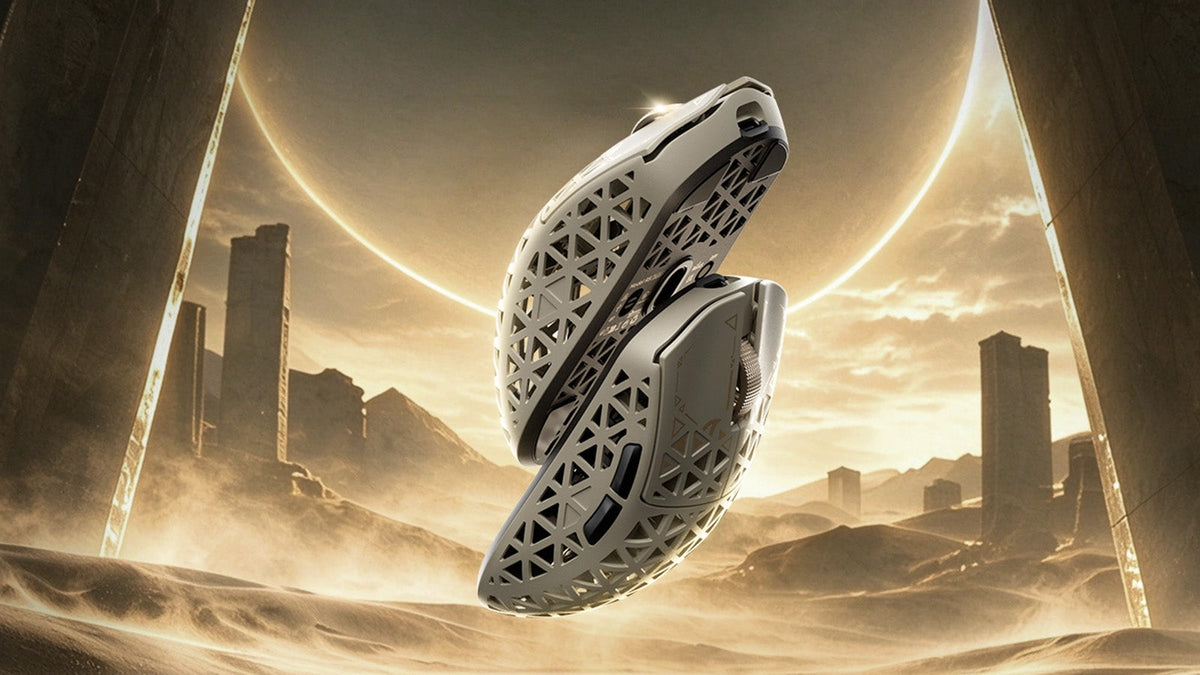
Como escolher um mouse gamer para controlar melhor o FPS
Grip shape and weight checks, cm/360 sensitivity tuning, LOD presets and polling rate comparisons, plus R5 TURBO specs and pre-order details.
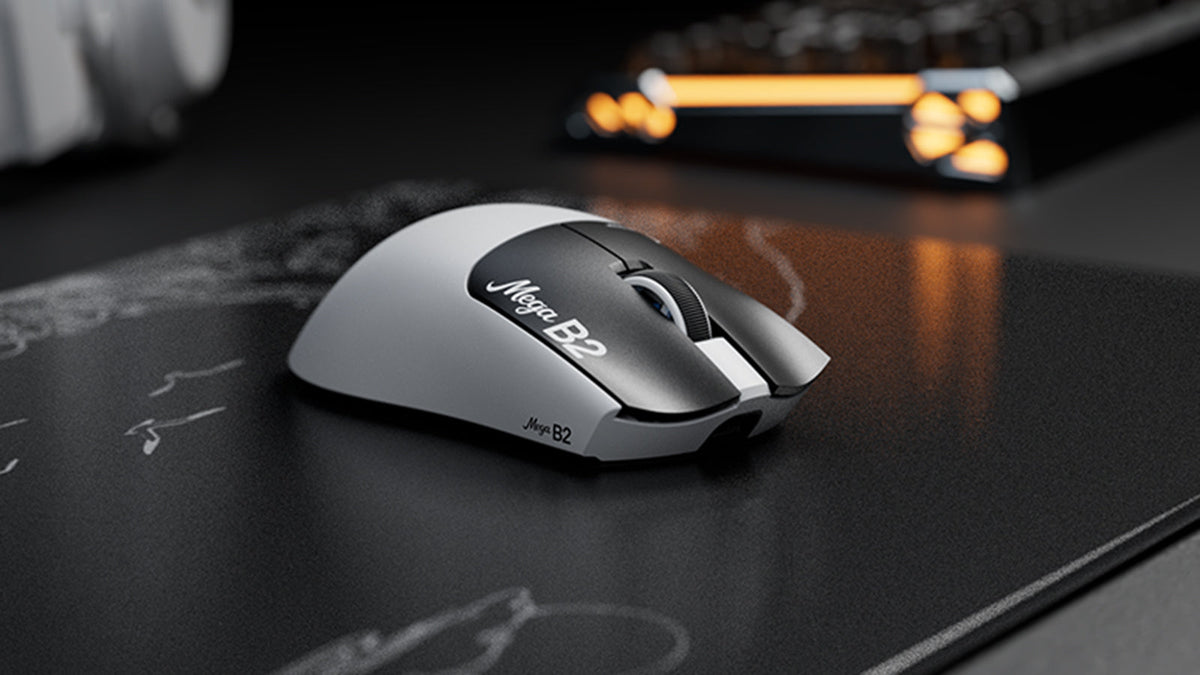
O que é um mouse com acionamento rápido? Como o sensoriamento magnético TMR muda os cliques do mouse
O Rapid Trigger redefine um botão do mouse após um deslocamento mínimo para cima, enquanto a detecção magnética TMR permite ajustar o acionamento sem contatos fixos.

ATTACK SHARK anuncia parceria estratégica com a equipe de League of Legends da Cloud9 Kia
Descubra por que esta parceria da Cloud9 com League of Legends é importante para os fãs de esports, equipamentos de nível profissional e periféricos de gaming acessíveis.